Song & artist search
Look up tracks, artists, and albums with a simple query and optional results page.


Free · No signup · Tracks & videos
Why this tool
Find tracks and music videos without leaving this page. Paste a song, artist, or album name, browse results with artwork and duration, then jump straight to YouTube or YouTube Music.
Look up tracks, artists, and albums with a simple query and optional results page.
Jump to the matching video on YouTube or open it in YouTube Music in one click.
See thumbnails, titles, artists, and clip length so you can pick the right version quickly.
Results come from public YouTube search data and may vary. GTRSocials is not affiliated with YouTube, YouTube Music, or Google.

Find any song on YouTube — by title, lyrics, mood, or era — without fighting the algorithm.
Music-specific results. No account. No noise. Just the track you're looking for.
You know the feeling. A song gets stuck in your head — melody clear as anything, lyrics completely gone. Or you remember a track from a playlist three years ago but have no idea what it was called. Or you heard something in a café, Shazamed it, but now the app just shows you streaming links for platforms you don't use.
YouTube has it. YouTube almost always has it. The problem is finding it.
YouTube's native search is built for videos, not music. It surfaces official music videos when it feels like it, buries the studio version three pages deep, and confidently serves you a live cover version from 2009 when all you wanted was the original. Searching for music on YouTube is an exercise in patience — and most people give up before finding what they actually came for.
That's the problem the GTR YouTube Music Search tool solves.
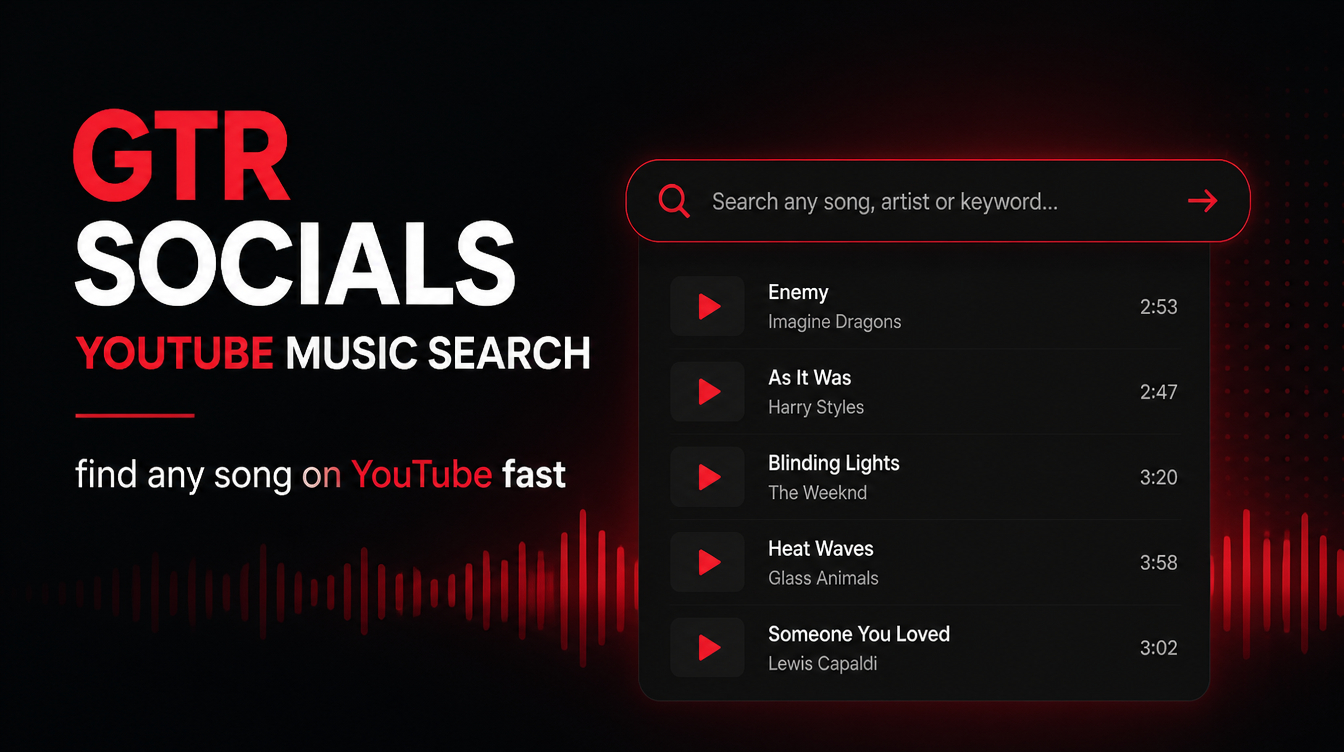
GTR Socials YouTube Music Search — find any song on YouTube fast
YouTube is the largest music library in the world. More songs, more versions, more rare recordings than any streaming platform. But its search was designed for general video discovery — not precise music finding.
When you search for a song, YouTube's algorithm doesn't ask "what is the most accurate result for this query?" It asks "which result will keep this person watching longest?" Those are very different questions with very different answers.
Official music videos rank well because they drive engagement. But what about the remastered version? The album cut without the radio edit? The instrumental? The live recording from a specific tour? These get buried under whatever YouTube's algorithm decided you might click on.
YouTube relies on creators to tag their uploads accurately. Many don't. Songs get uploaded with vague titles, wrong artist names, or no searchable metadata at all. A track you're looking for might exist on YouTube under a title you'd never think to search.
Simple. You describe what you're looking for — song name, artist, lyrics fragment, mood, genre, era — and the tool finds it on YouTube fast, cutting through the noise that standard search produces.
Visit gtrsocials.com/tools/youtube-music-search, enter what you know about the track, and get clean, accurate results pointing you directly to what you're after. No algorithm guessing what you might want to watch next. No sponsored placements. Just the music.
You might be thinking: why not just search YouTube directly? Fair question. Here's where the difference shows up in practice:
The GTR tool filters for music content specifically. You get songs, not reaction videos, not unrelated content that happens to share a keyword with your search.
Don't know the full title? Have two words of lyrics? Know the vibe but not the name? The tool is built to handle incomplete searches in a way YouTube's general search engine isn't.
Standard YouTube search is influenced by advertising, trending content, and watch-time optimisation. GTR returns results based on relevance to your music query, not what YouTube wants you to click.
No autoplay videos loading in the background, no sidebar recommendations pulling your attention sideways. Search, find, done.
This is the most common scenario. You have a melody in your head, maybe a couple of words, possibly a rough idea of the era or genre. Standard YouTube search produces fifteen wrong results. GTR's music-focused search narrows it down immediately.
You want the original 1978 recording, not the 2015 remaster. You want the acoustic version, not the radio edit. You want the extended mix, not the three-minute single cut. Being specific in YouTube's general search rarely gets you there. A music-optimised search does.
Creators need music constantly — for YouTube videos, short-form content, podcasts, presentations. Searching for royalty-free or Creative Commons music on YouTube through standard search is genuinely painful. GTR filters the noise and surfaces usable results faster.
You remember a run of songs from a playlist someone shared three years ago. You want to rebuild it. That means searching for each track individually — a process that's frustrating with YouTube's general search but much faster with a music-specific tool.
Students, journalists, historians, and music enthusiasts often need to find specific recordings — particular performances, rare versions, original releases. YouTube has them. Finding them without the right search tool is where most people get stuck.
The GTR YouTube Music Search tool is smarter than standard search, but giving it better input still gets you better output.
No account required. No login, no email, no personal data collected. You search, you find, you leave. GTR doesn't log your search history or build a profile based on what music you're looking for. Your listening habits are your own.
The tool works in any browser on any device — iPhone, Android, PC, Mac. No extensions, no installs, no setup.
The GTR YouTube Music Search tool covers the full range of what people actually look for on YouTube:
Try different search terms. If the song title isn't working, try lyrics. If the artist name isn't working, try the album or year.
Add more specific terms — version type, year, or album name — to narrow results.
Check your internet connection and try refreshing. The tool is lightweight and should load fast on any connection.
Pair the YouTube Music Search tool with the GTR YouTube Audio Downloader — search for what you want, then download the audio directly.
YouTube has the music. It's always had the music. The problem has always been finding exactly what you want without spending twenty minutes fighting the algorithm.
The GTR YouTube Music Search tool cuts that process down to seconds. Music-specific results, no algorithmic noise, no ads pushing sponsored content ahead of what you actually searched for. Just accurate results for the song, version, or recording you're looking for.
Stop letting YouTube's algorithm decide what music you find. Search on your terms.